
Scan. Verify. Drive.
Print a QR code for each vehicle. Driver scans with their phone camera. Checkout completes in seconds. The fastest way to get drivers on the road.
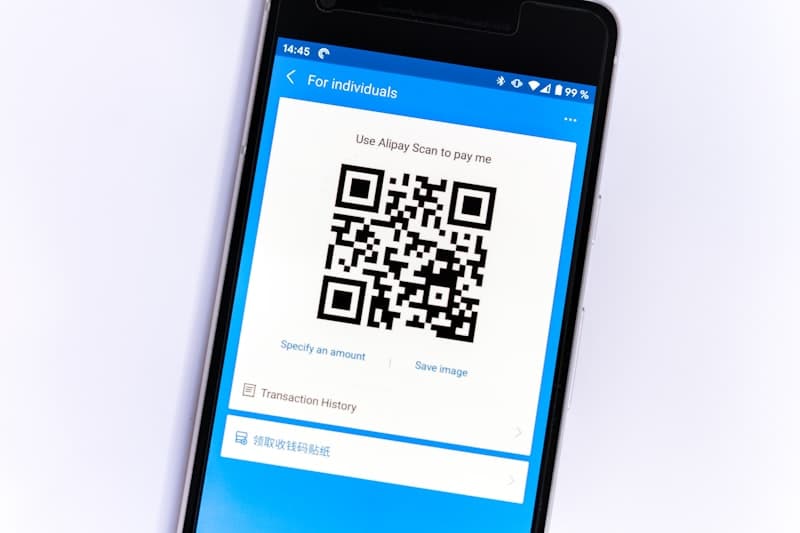
The Fastest Vehicle Checkout in Fleet Management
No searching. No typing. No app downloads. One scan and the checkout starts.
Instant Vehicle Identification
One scan uniquely identifies the vehicle. No typing names or searching through lists.
Works With Any Phone
Built-in camera QR scanning on iPhone and Android. No app download or special equipment needed.
Bulk QR Code Generation
Generate QR codes for your entire fleet at once. Print as stickers, key tags, or wall posters.
Weatherproof Options
Print on weatherproof vinyl stickers for outdoor fleets. Attach to dashboards, bumpers, or key hooks.
Regenerate Anytime
Damaged or lost QR code? Regenerate and reprint in seconds from the dashboard.
Fallback Search
If the QR code is inaccessible, drivers can still find vehicles by name, number, or plate in the web app.
Checkout in Three Taps
Scan the QR Code
Driver points their phone camera at the vehicle's QR code. The vehicle page opens instantly in their browser.
Verify and Capture
The system verifies the driver's identity, records the odometer, and prompts for required photos.
Confirm and Drive
One tap to confirm the checkout. The vehicle is assigned to the driver and fleet availability updates in real time.
Frequently Asked Questions
Ready to See It in Action?
Start your free trial today. No credit card required — set up your fleet in minutes.